


The professional photography industry is losing sleep over AI tools for photography editing… and psst, the big secret is YOU don’t have to.
I’ve been scrolling through my newborn photography groups on Facebook over the last year, and the anxiety is real. Post after post from photographers asking the same question: “Is AI going to take my job?”
I get it. When something this disruptive hits your industry all at once, it’s natural to worry. We’ve spent years perfecting our craft, building our businesses, and establishing ourselves as the experts. Then suddenly there’s this technology that can do things in seconds that used to take us minutes.
Here’s the thing though—I’m not worried. And by the end of this post, I’m hoping you won’t be either.
Because someone recently said something (and i’m sorry i don’t know who originally said it!) that completely re-framed how I think about AI: “AI won’t take out jobs, but someone who knows AI will.”
That hits different, doesn’t it?
This isn’t about whether AI exists. It does. (In fact, my oldest nephew is majoring in it at Purdue! How crazy is that.) This is about whether you’re going to be the photographer using AI as a tool, or the one getting left behind by photographers who are.

2026 is Your Year to Become an AI-Powered Photographer
Let me be clear about something: I didn’t grow up with AI. I’m not a tech person. I’m a photographer who learned to edit through years of doing the work- by hand- one image at a time. But over the last year, I’ve watched AI tools for photography editing evolve, and more importantly, I’ve watched them become genuinely useful for the things that were eating up my editing time.
I’m talking about time. Real, billable hours of time.
When Evoto launched their skin retouching tool with AI, I was skeptical. Not because I don’t believe in progress, but because I’ve been disappointed by “revolutionary” editing tools before. And then I started using it, and suddenly I was editing newborn skin in 30 seconds instead of 10 minutes. That’s not hype. That’s my actual workflow.
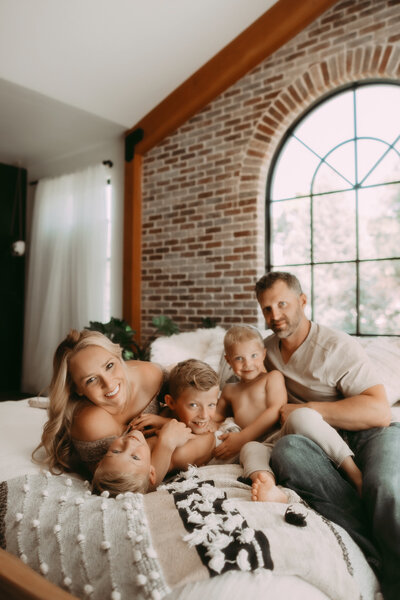
Was I threatened? For about five seconds. Then I realized: I just got my life back. The image above doesn’t look different than it would have had I retouched it by hand… it just took me 2 minutes instead of 10. When you multiply that by hundreds or thousands of images each year that is absolutely life changing.
That’s what AI does when you use it right. It doesn’t replace your skill. It amplifies it. It takes the repetitive, time-consuming work and handles it, so you can focus on the creative decisions that actually make your images yours.
The Best AI Tools for Photography Editing Right Now
If you’re thinking about integrating AI tools for photography editing into your workflow, here’s what’s actually worth your attention:
Evoto: The Best AI Tool for Photography Editing—Skin Work Edition
Honest answer: I use this for 90% of my newborn retouching now. The AI skin detection is insanely accurate. It identifies every inch of skin in your image and lets you adjust it without touching anything else. No more mask anxiety. No more accidentally smoothing out important texture.
The best part? As I mentioned before, I went from 10 minutes per newborn image to 2 minutes. Multiply that across a 30-image gallery and you’re looking at 4+ hours saved per session. At billable rates, that’s a no-brainer.
The cost? Ten cents per image with their credits system. Or you can use the code GLEANCO for 15% off annual subscriptions.


Photoshop Generative AI and Remove Tool (The Cleanup Crew)
Adobe’s built generative AI right into Photoshop, and it’s become my go-to for things like removing stray hairs, fixing backgrounds, or cloning out distractions like the darn playground you can see out my studio window. You basically select what you want to change and let the AI handle it. It’s not perfect every time, but 80% of the time (if you know how to use it correctly) it saves you 5+ minutes of manual work per image.
Generative Expand lets you extend your canvas. Generative Fill removes objects or fills in areas. Generative Replace changes specific elements. It’s not revolutionary on its own, but as part of your existing workflow, it smooths out the rough edges that used to require serious Photoshop skills.
I used to send my retouching out because I could not stand having to take that darn playground out of every image (along with floor vents and electrical outlets). Now? I can use the remove tool right in Camera RAW. It’s saving me time AND money by no longer needing to outsource.
Midjourney (For Backgrounds and Textures)
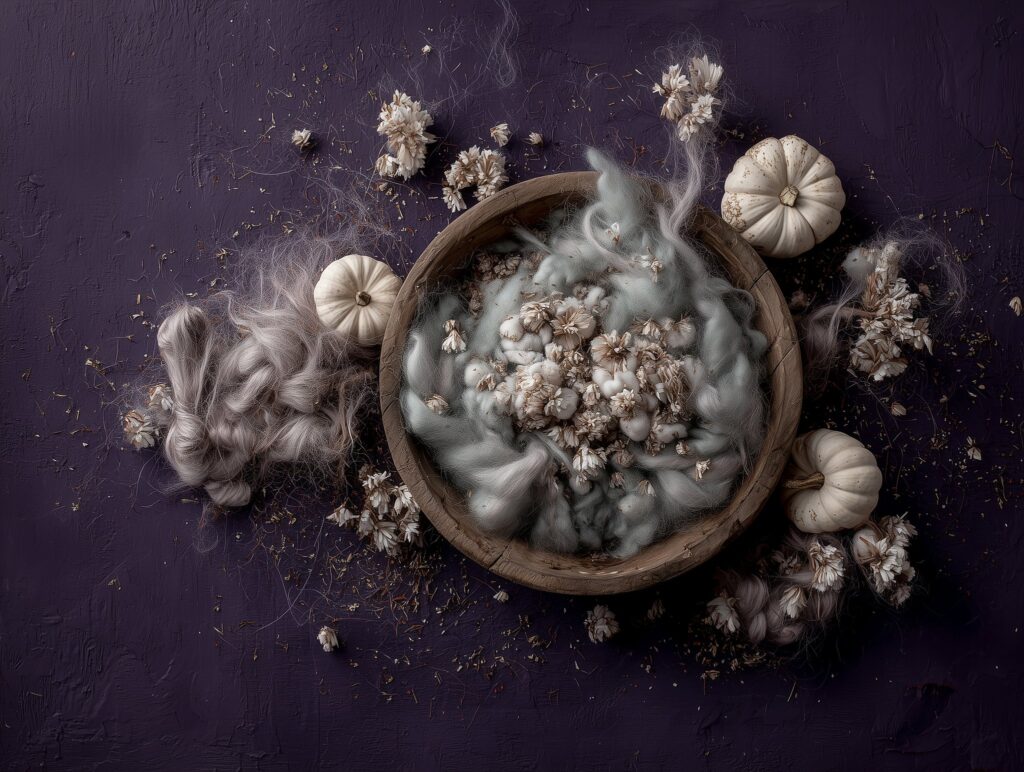
Here’s what I actually use Midjourney for, and it’s probably not what everyone else is talking about: texture and background replacement.
Remember when we all spent a fortune on background setups, drops from prop vendors, and digital textures other photographers created? I did a massive Boise Rainbow Project shoot back in 2019 with elaborate florals and custom textures. It cost me thousands and took forever to set up and break down. Now? I can create that exact same concept using Midjourney instead.
The key is making it look realistic. When I combine Midjourney with Topaz Gigapixel and some techniques to integrate everything seamlessly, I get genuinely giddy with the creative possibilities. I can create custom backgrounds, try different texture combinations, and explore ideas that used to be financially impossible.
It’s not about replacing photography. It’s about cutting the cost and setup time for creating the backdrops that make your images uniquely yours.
How AI Tools for Photography Editing Actually Changes Your Business (Beyond Just Saving Time)
Let’s talk money, because that’s what matters.
If you’re editing 5-6 sessions a month (which is solid for most of us), and each session has 30 images, you’re looking at 150-180 images per month. At 10 minutes per image with traditional editing, that’s 25-30 hours of editing time.
Now drop that to 2 minutes per image using AI tools like Evoto for the heavy lifting and Photoshop AI for cleanup, and you’re at 5-6 hours per month. That’s 20+ hours back in your life every single month.
What would you do with 20 extra hours?
For me, that means I’m not working until 2am. It means I can take on more sessions if I want to (more revenue), or it means I actually have weekends with my family. Some months it means I can take time off without stressing about a backlog.
But here’s the thing that actually moves the needle: when you’re not drowning in editing, you have choices.
Maybe it means you finally pick your kids up from school instead of paying a nanny for another two hours. Maybe it means firing the contractor editor you’ve been paying $500+ a month to, only to spend another 5 hours fixing their work because it never comes back exactly right. Maybe it means you have the mental bandwidth to write a few blog posts that actually bring people to your door instead of just hoping a couple sporadic posts to Instagram does the work for you.
Or maybe it means you can actually take on more sessions. If you’re editing 2 minutes per image instead of 10, suddenly you’re not maxed out. You have room to book more clients. And when you’re not completely burnt out, you actually have energy to market, to reach out, to be visible in your community. That’s how you fill your calendar.
The photographers who win aren’t the ones choosing between editing all night or never editing at all. They’re the ones who reclaim their time and decide what to do with it.
You’re Not Behind. You’re Right On Time.
I know plenty of photographers who are sitting this out, waiting to see if AI is “really here to stay” or if it’s just a fad. Cool. More market share for the rest of us.
The photographers who are going to win in 2026 are the ones who figure out how to use AI as a tool, not the ones waiting for permission to think it’s okay to adopt it.
You don’t have to learn everything at once. You don’t have to understand how the algorithms work. You just need to understand one thing: which tools can take the parts of your job that you hate and make them faster, so you can focus on the parts you love. (And which ones can make you even more creative than ever!)
For me, that’s been Evoto for skin retouching and Photoshop Generative AI for cleanup. That’s it. Those two tools have changed my workflow more than anything else I’ve adopted in years.
Ready to Master AI Tools for Photography Editing?
Here’s the truth: knowing that these tools exist doesn’t mean much if you don’t know how to use them properly. Using Evoto without understanding the settings is like having a Ferrari and only going 40 mph. Technically you’re using it, but you’re not getting the benefit.
That’s why I built my editing membership. It’s not just about Photoshop techniques anymore. It’s about integrating the AI tools that are actually moving the needle for photographers right now.
You’ll learn:
- Exactly how to set up Evoto so you’re getting the most from every credit
- Photoshop Generative AI techniques that actually work (and when to use them)
- How to incorporate Midjourney to expand your creativity
- How to use these tools together in a workflow that cuts your editing time in half (or more!)
The membership is currently just $39/month, and honestly, if you apply even one technique from what you learn, you’ve paid for the whole month in time saved.
[Join the Membership and Start Your AI-Powered Photography Journey]
Because here’s what I know for sure: the photographers who are going to be thriving in 2026 are the ones who stopped being afraid of AI and started being curious about it instead.
That can be you.
About Paige
Paige is the owner of Glean & Co Photography in Boise and has spent 20 years mastering professional editing—first for major brands and publications, then for her own newborn photography business. She’s obsessed with helping other photographers work less and earn more through smarter editing workflows and business strategies.
When she’s not editing or teaching, you can find her with a glass of red wine, planning the next family trip, or obsessing over her adorable Maine Coon, Fennec.
Want to stay in the loop?
Subscribe to the newsletter for more unfiltered thoughts on photography business, editing workflows, and how to actually build a photography business that doesn’t take over your life.
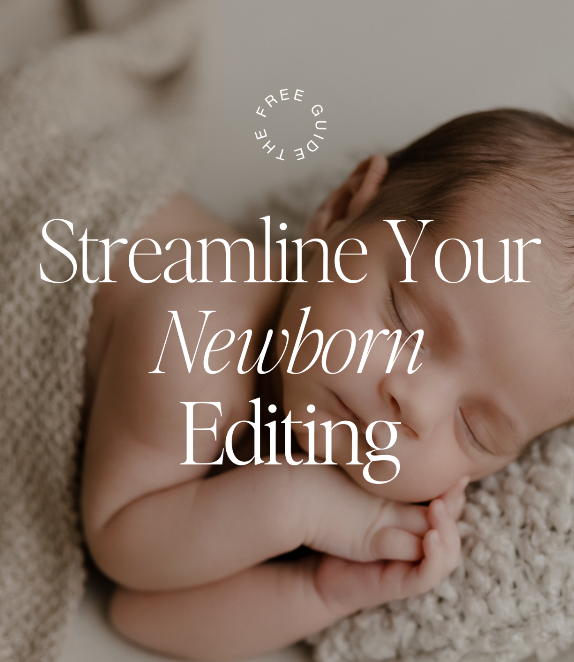
Download our Free Guide: Streamline Your Editing Workflow

LEAVE A COMMENT
Comments